01 · HELP ME
Pick the situation
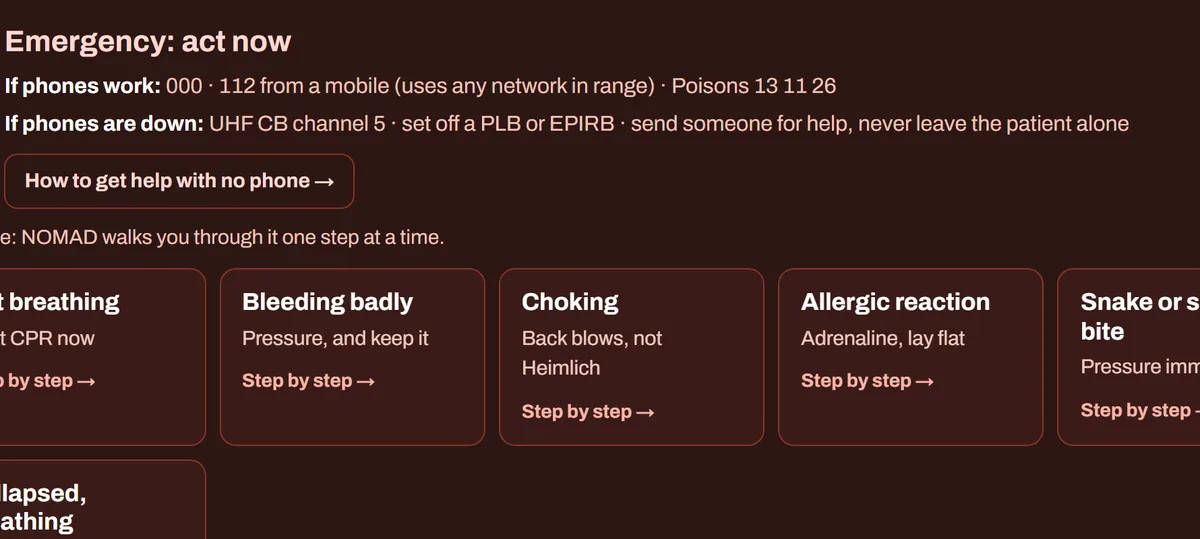
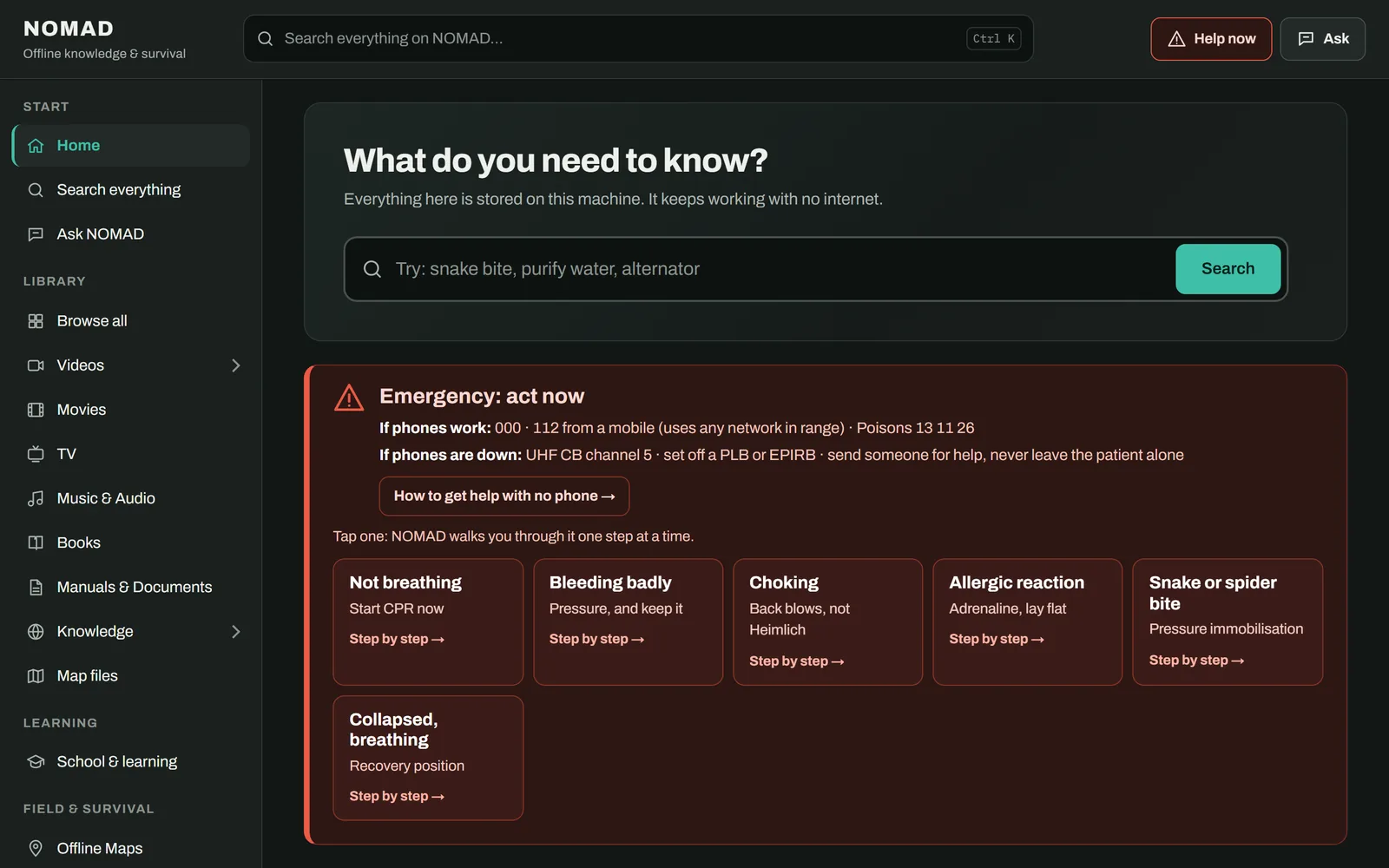
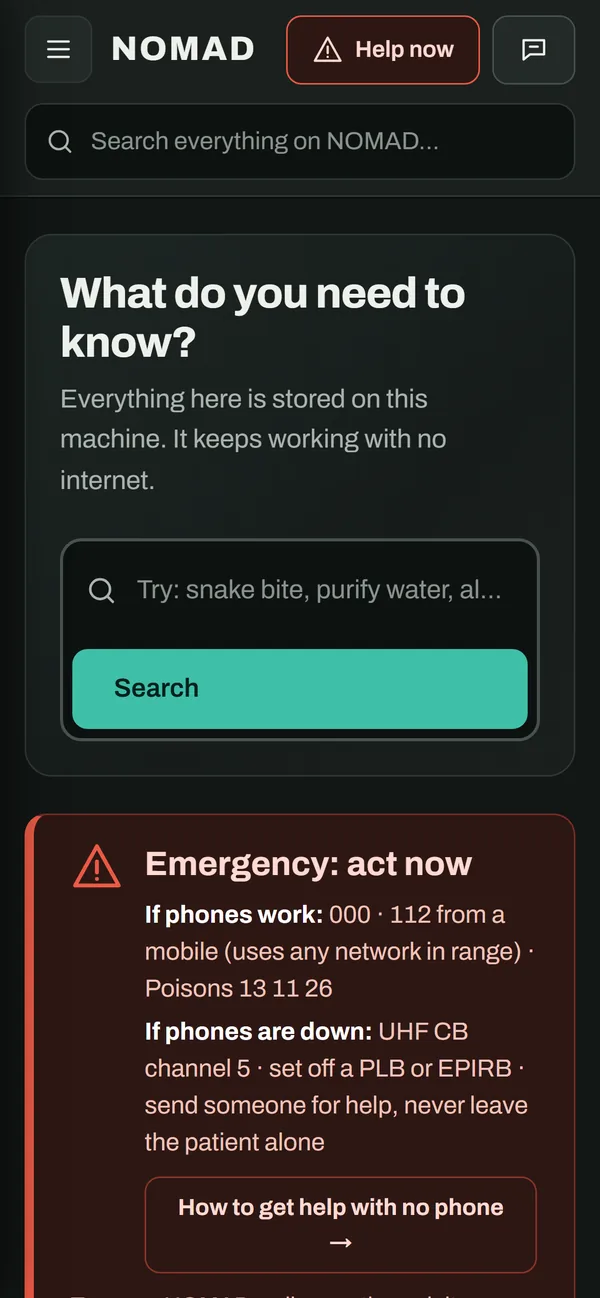
Someone's hurt, you're lost, the power's out. Tap the card and NOMAD walks you through it one step at a time, most urgent first.
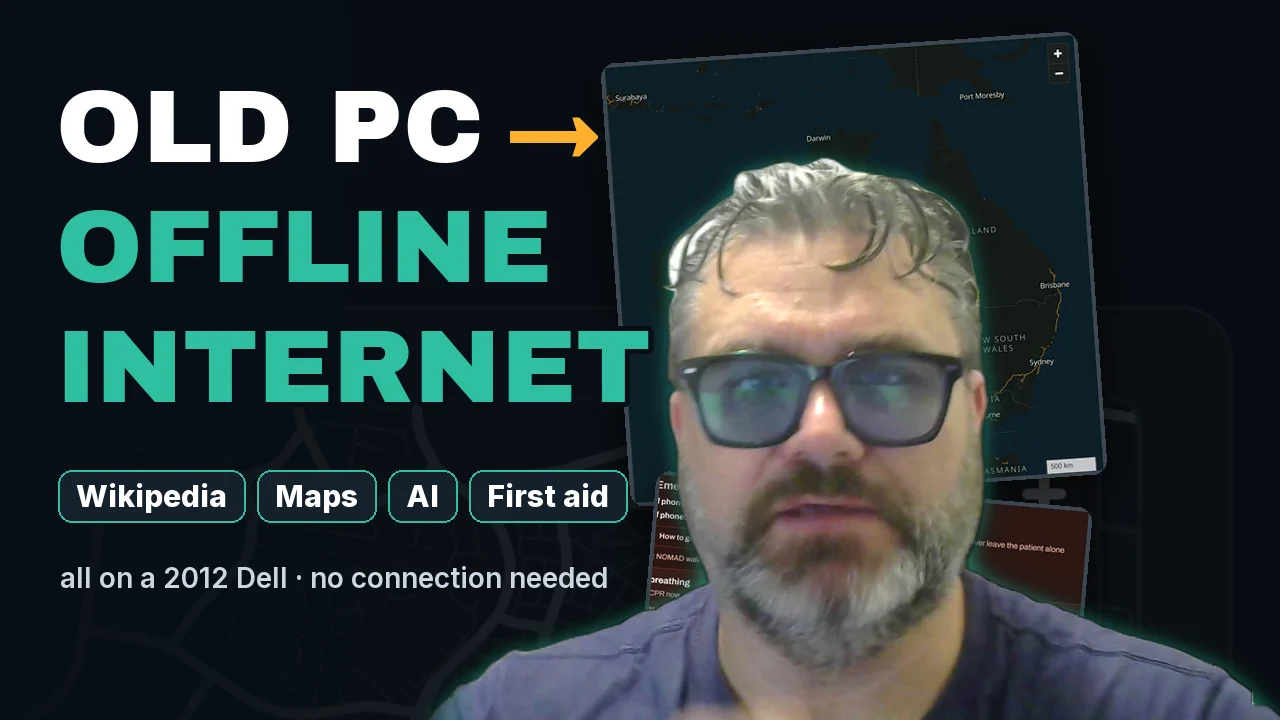
NOMAD turns an old PC into an offline library. All of Wikipedia, street maps of any country, step-by-step first aid, school lessons and a local AI, served to every phone and laptop on your Wi-Fi. When the internet goes down, it keeps going.
Part 1 is the build: network boot, Ubuntu, Docker and the install, with Sprocket, the AI build assistant. Part 2 is the tour of everything on the box. 13 minutes.
Most offline collections end up as a wall of folders: you can only find something if you already know its name. NOMAD starts from what you need.
Someone's hurt, you're lost, the power's out. Tap the card and NOMAD walks you through it one step at a time, most urgent first.
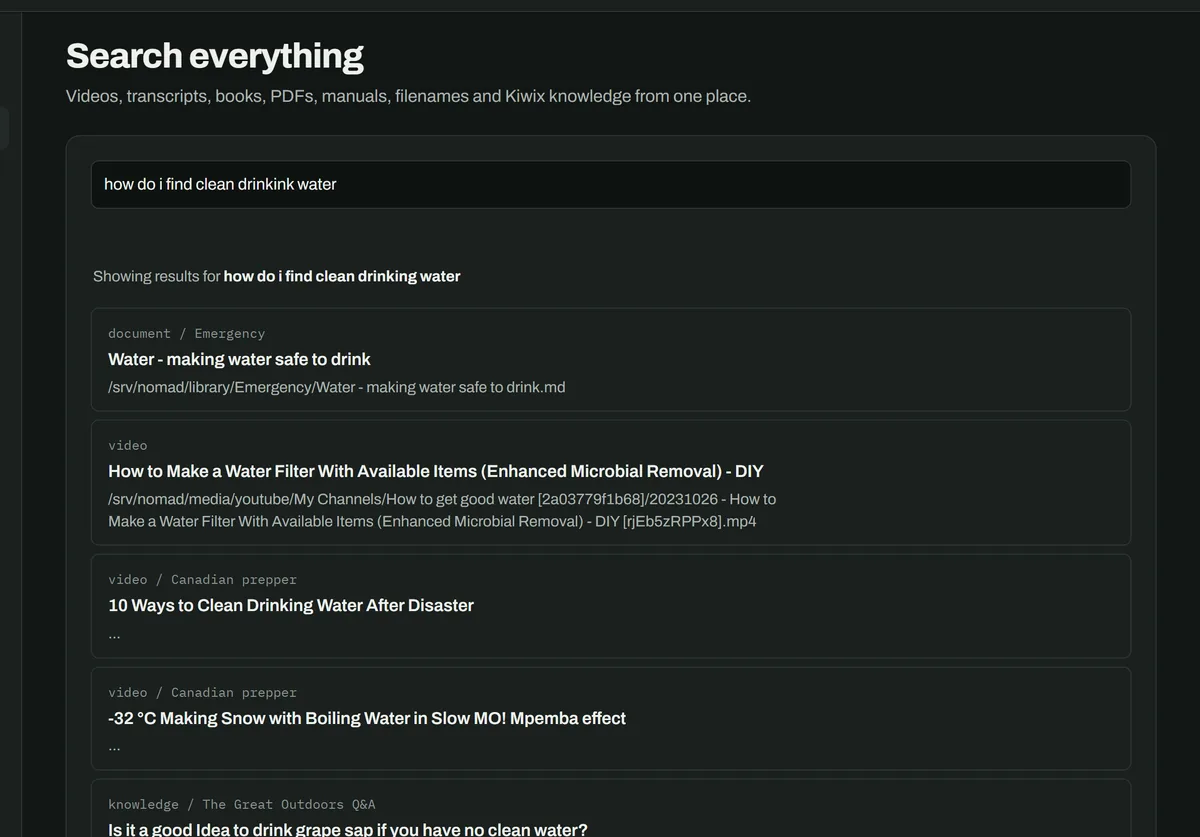
Wikipedia, videos and their transcripts, PDFs and manuals, all at once. Typos are fine: it works out what you meant, with no internet.
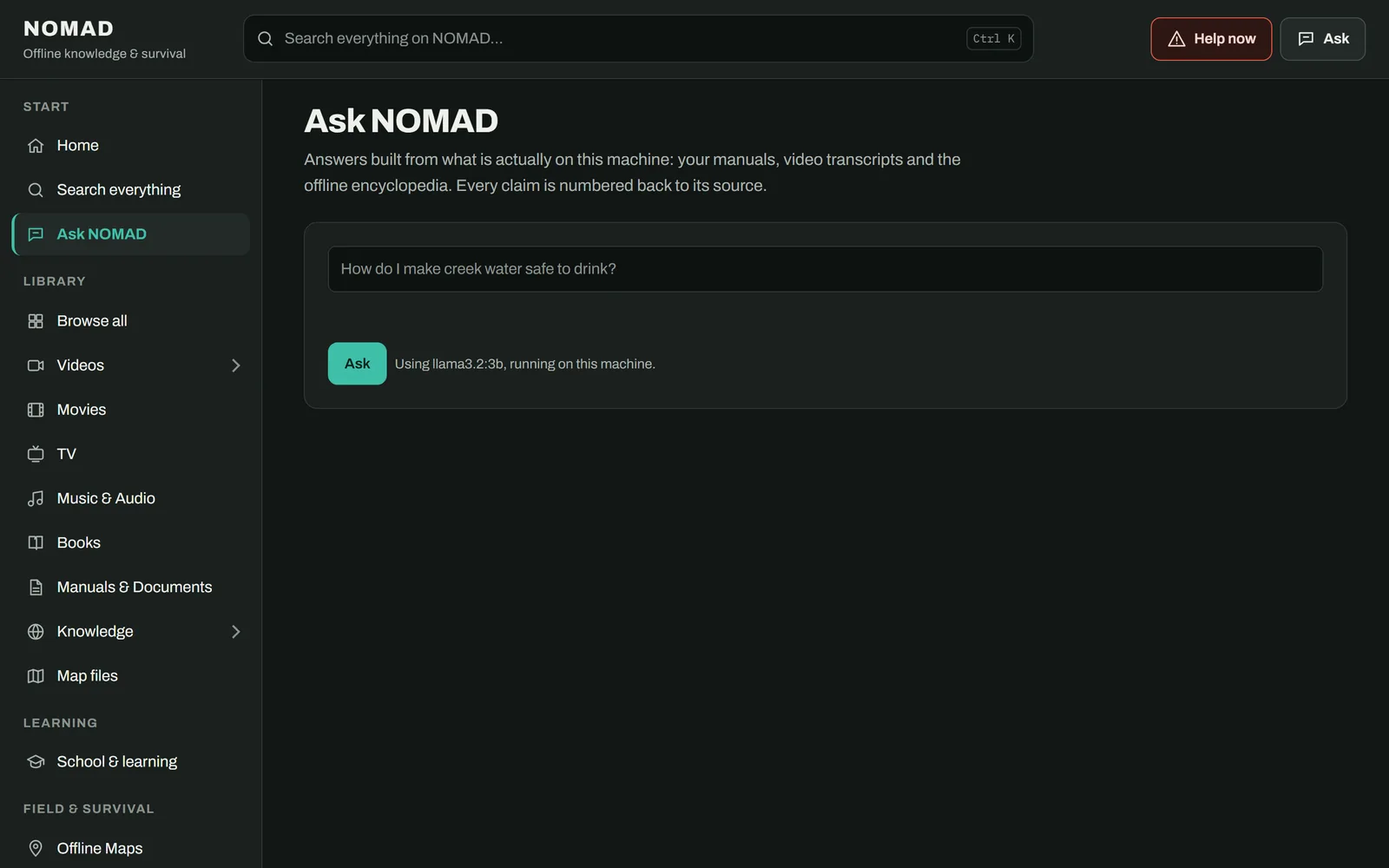
A local AI answers from what's on the box and numbers its sources so you can check them. On an old PC it takes a minute or two, but it works offline.
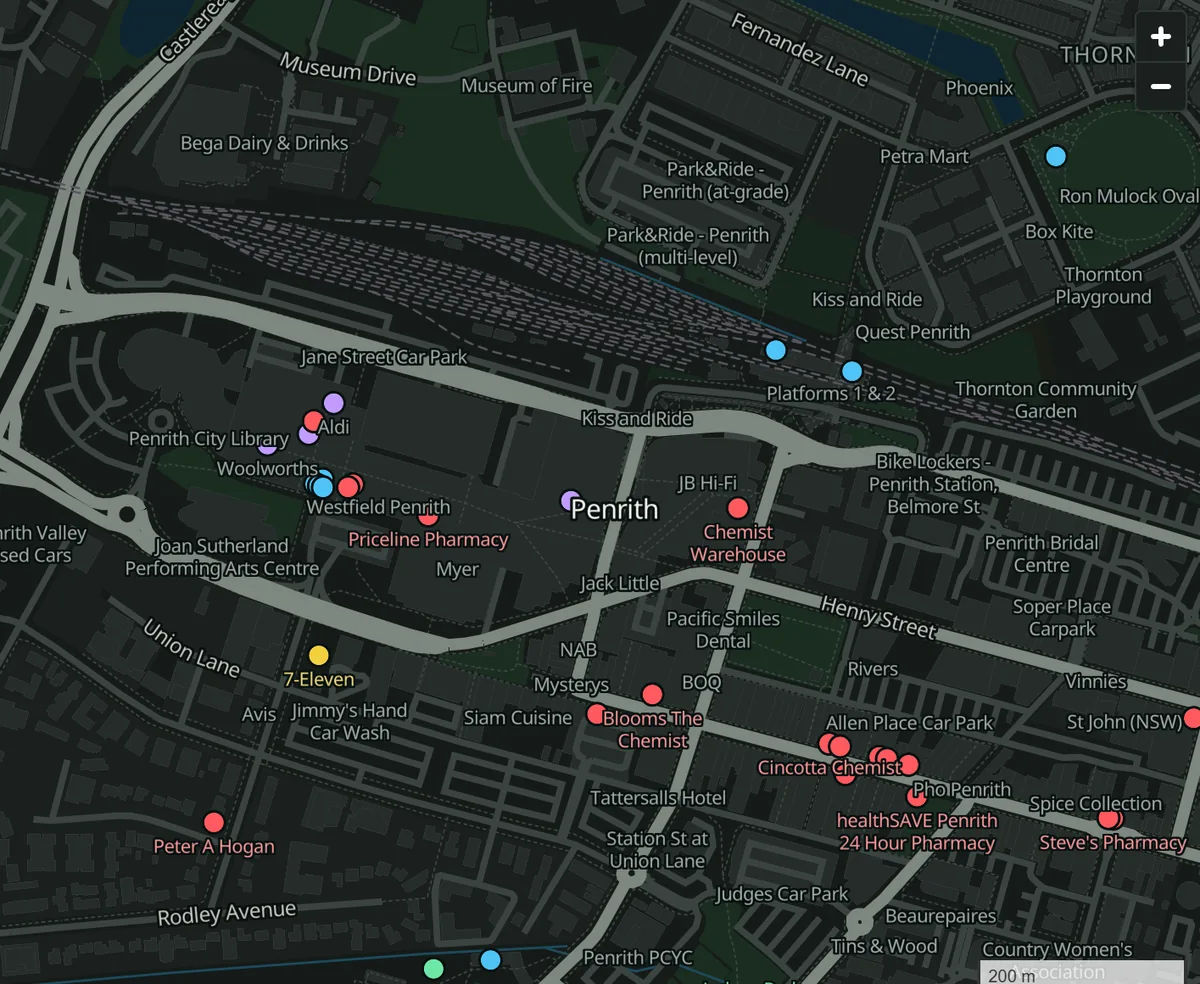
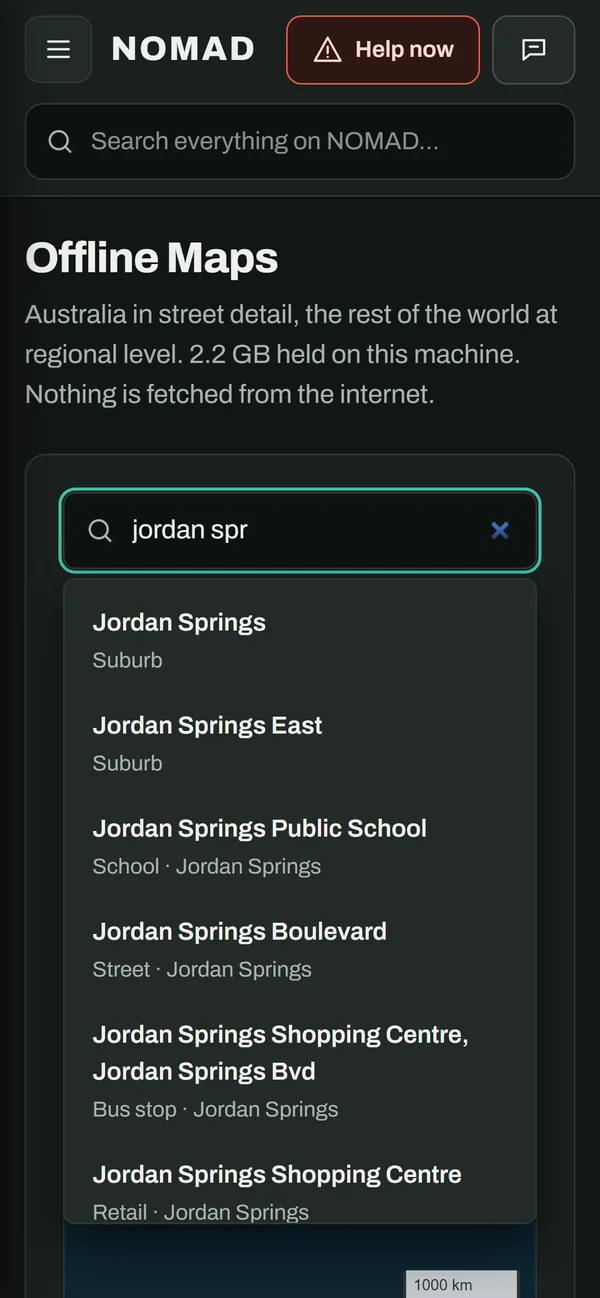
Every street, suburb and town, with hospitals, chemists, fuel, drinking water and campsites marked. Type "hospital dubbo" or a street name and it flies there. Australia is 2.2 GB; add any other country in the world from the Downloads page. No map server, nothing from the internet.
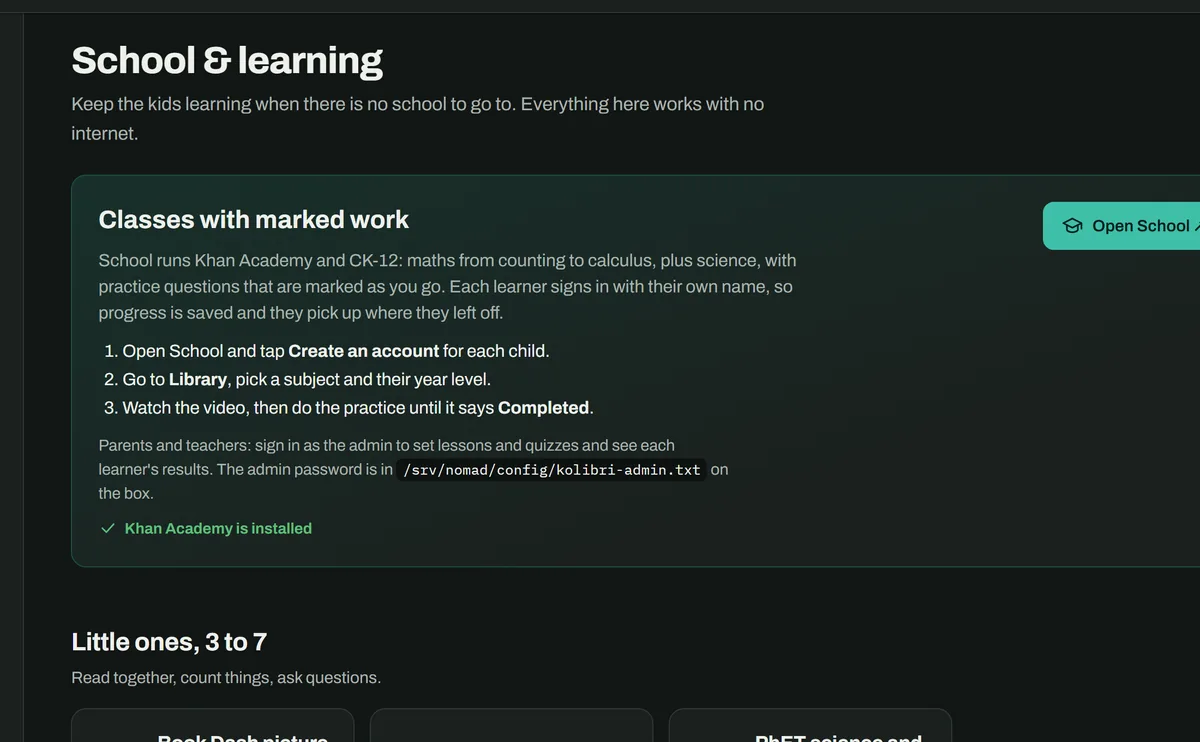
Khan Academy and CK-12 run on the box with marked practice, from counting to calculus. Each child gets their own sign-in and picks up where they left off.
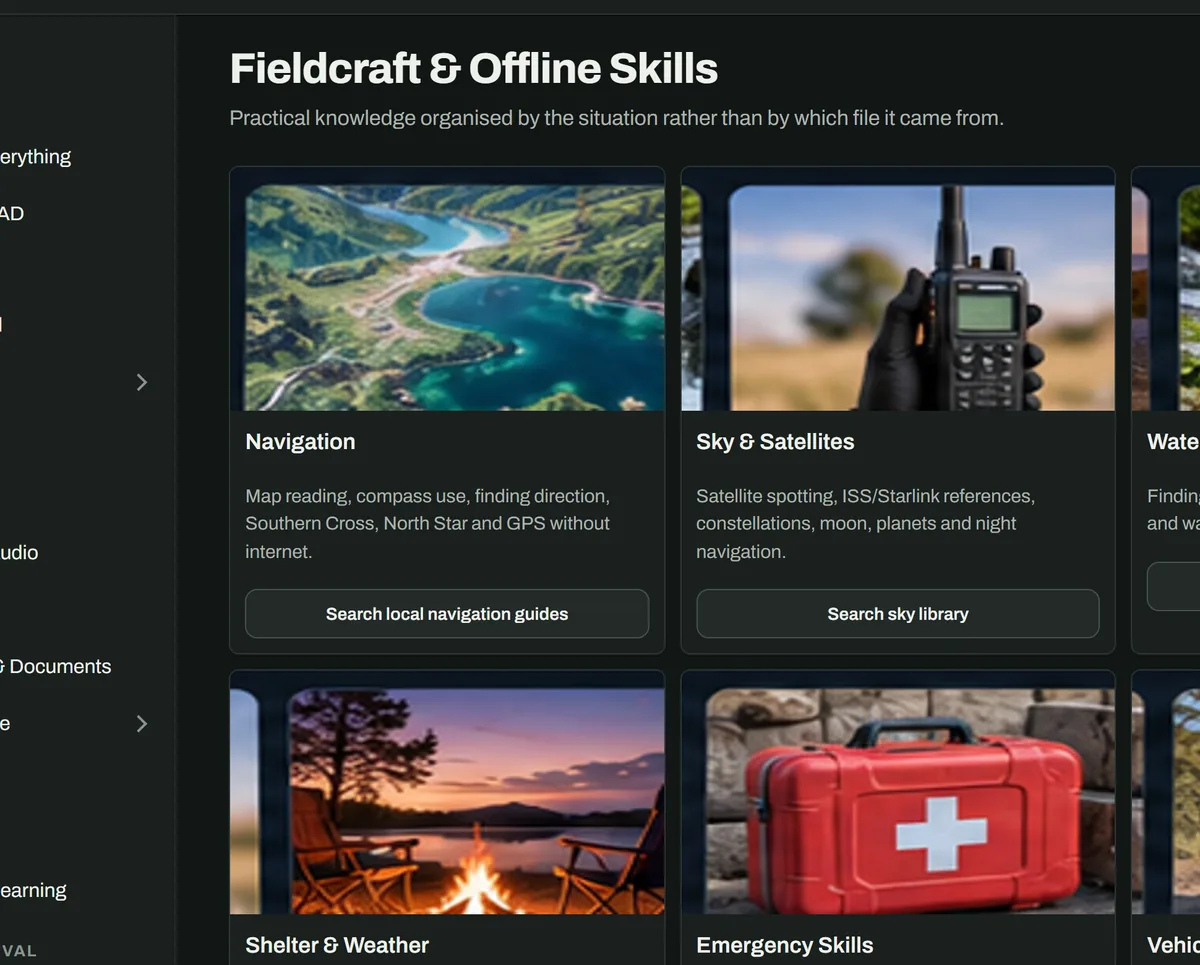
Water, shelter, fire, navigation, signalling and first aid, ordered by what will hurt you fastest. Written guides for Australian conditions sit alongside offline medical encyclopedias and survival video libraries.
Load the films and shows you own, and NOMAD serves them through Jellyfin. Add a YouTube channel you like and it keeps the latest videos, with subtitles, ready to watch offline. They're for your household only, not for sharing on.
NOMAD is a website that lives on your own computer. Anything on your Wi-Fi can open it in a browser. There's no app to install and no account.
Pick content packs in the app: Wikipedia, maps, first aid, school, survival. They download to the box's hard drive.
The box sits quietly in a cupboard. The app, the search index and the AI all run on it.
Open the box's address in a browser. Search, read, watch, navigate and ask, with no internet.
The reference build is a 2012 Dell OptiPlex 9010. Any 64-bit PC from the last 12 years or so will do.
Intel or AMD, about 2012 or newer. Ours: i7-3770, 16 GB RAM. 8 GB is enough without the AI.
40 GB gets you started. The recommended content is about 150 GB; everything we list is about 830 GB.
Ubuntu Server or Desktop (Debian works too). The installer adds everything else.
Raspberry Pi 5 support (64-bit, with a USB drive) is planned. The installer already accepts ARM, but we haven't tested it on a Pi yet.
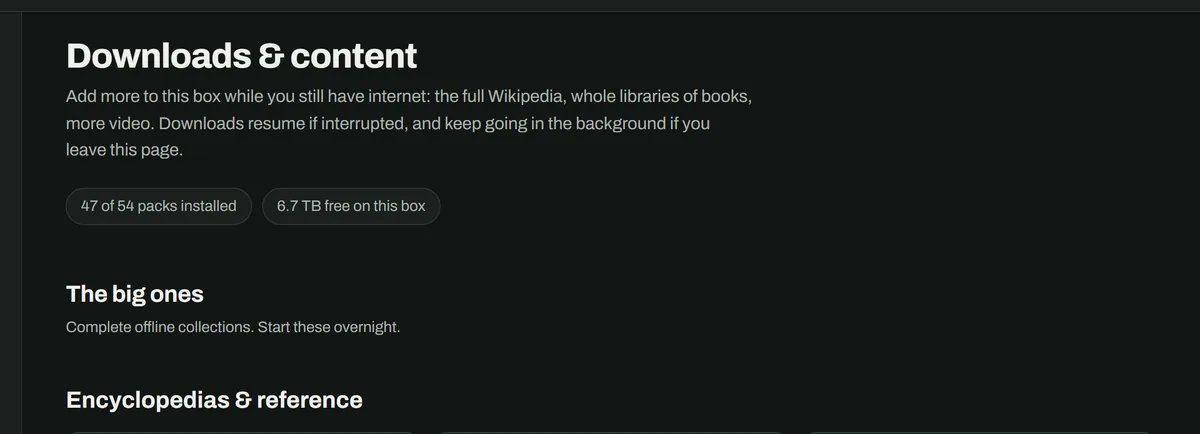
Choose packs in the app. Each one downloads in the background and resumes if the connection drops. Sizes are what lands on the disk.
| Pack | Licence | Size |
|---|---|---|
| Encyclopedias & reference | ||
| Wikipedia (mini) | CC BY-SA | 14.4 GB |
| Wikivoyage travel guide | CC BY-SA | 270 MB |
| Medical & first aid | ||
| WikiMed medical encyclopedia | CC BY-SA | 1.9 GB |
| Medical Library (field medicine books) | see pack | 70 MB |
| NOMAD first-aid & grid-down guides | MIT (NOMAD) | 1 MB |
| Survival & preparedness | ||
| Ready.gov disaster guides | public domain (US gov) | 2.1 GB |
| True Prepper | with permission (openZIM) | 1.4 GB |
| Post Disaster Resource Library | see pack | 640 MB |
| Food for Preppers | see pack | 100 MB |
| Water Treatment Library | see pack | 20 MB |
| USDA Guide to Home Canning | public domain (US gov) | 20 MB |
| School & learning | ||
| Khan Academy: school classes with graded practice | CC BY-NC-SA | 67.8 GB |
| Crash Course videos | CC BY-NC-SA | 23.0 GB |
| Book Dash picture books | CC BY | 11.7 GB |
| CK-12: textbooks and practice | CC BY-NC | 6.7 GB |
| TED-Ed lessons | CC BY-NC-ND | 6.4 GB |
| LibreTexts Mathematics | CC BY-NC-SA | 830 MB |
| LibreTexts K-12 | CC BY-NC-SA | 370 MB |
| Art of Problem Solving | CC BY-SA | 210 MB |
| PhET science and maths simulations | CC BY | 110 MB |
| Vikidia: the encyclopedia for kids | CC BY-SA | 80 MB |
| Simple English dictionary | CC BY-SA | 30 MB |
| Repair, home & practical skills | ||
| CD3WD low-tech library | free to share | 570 MB |
| A Library of Knots | free to share | 30 MB |
| Knots (Wikipedia) | CC BY-SA | 10 MB |
| Video packs | ||
| Learning Self-Reliance (videos) | packaged for offline use by Kiwix | 4.0 GB |
| Canadian Prepper: bug-out concepts | with permission (openZIM) | 2.9 GB |
| Urban Prepper (videos) | packaged for offline use by Kiwix | 2.2 GB |
| Canadian Prepper: food (videos) | packaged for offline use by Kiwix | 2.2 GB |
| Canadian Prepper: winter (videos) | packaged for offline use by Kiwix | 1.3 GB |
| Canadian Prepper: bug-out roll | with permission (openZIM) | 880 MB |
| Maps | ||
| Australia map (street detail) | OpenStreetMap ODbL via Protomaps | 2.2 GB |
| World overview map | OpenStreetMap ODbL via Protomaps | 190 MB |
| Pack | Licence | Size |
|---|---|---|
| Encyclopedias & reference | ||
| Wikipedia, complete with pictures | CC BY-SA | 127.4 GB |
| Wikipedia, full text (no pictures) | CC BY-SA | 52.7 GB |
| Wiktionary dictionary | CC BY-SA | 14.8 GB |
| Medical & first aid | ||
| MDWiki healthcare articles | CC BY-SA | 2.3 GB |
| MedlinePlus | public domain (US gov) | 1.9 GB |
| CDC Travelers' Health | public domain (US gov) | 180 MB |
| Military Medicine manuals | public domain (US gov) | 60 MB |
| Survival & preparedness | ||
| Survivor Library (complete) | public domain books | 220.3 GB |
| The Great Outdoors Q&A | CC BY-SA | 140 MB |
| School & learning | ||
| VOA Learning English | public domain (US gov) | 7.1 GB |
| TED talks for kids | CC BY-NC-ND | 4.0 GB |
| LibreTexts Biology | CC BY-NC-SA | 2.2 GB |
| LibreTexts Chemistry | CC BY-NC-SA | 2.2 GB |
| Wikiversity | CC BY-SA | 2.1 GB |
| LibreTexts Physics | CC BY-NC-SA | 560 MB |
| Repair, home & practical skills | ||
| iFixit repair guides | CC BY-NC-SA | 3.6 GB |
| Home Improvement Q&A | CC BY-SA | 2.1 GB |
| Gardening & Landscaping Q&A | CC BY-SA | 930 MB |
| Video packs | ||
| TED: health (videos) | CC BY-NC-ND | 7.8 GB |
| Books & learning | ||
| Project Gutenberg (complete) | public domain | 221.3 GB |
| Wikibooks | CC BY-SA | 4.7 GB |
| Films | ||
| Blender Studio open movies | CC BY | 440 MB |
Everything together: 834 GB. Video and book packs are prepared for offline use by the Kiwix and Kolibri projects.
When the mobile network is down, phones on NOMAD's Wi-Fi will be able to call and message each other through the box: no internet, no phone towers. It's being built now.
Tell me when it's readyNOMAD is in alpha: it works, and it's what's running in the video, but it still has rough edges. Join the list and you'll hear when:
Comfortable with Linux? Download the alpha now. Prefer a hand? We can install it for you.
Yes. Everything NOMAD shows is stored on the box. The internet is only used to download content packs and updates while you have it.
The software is free and open source (MIT licence). All the content packs are free to download. If you'd like us to set it up for you, that's a paid service; see Help me install.
For the alpha, a little: you install Ubuntu and run one command. The install guide covers every step with pictures. A simpler installer is on the way.
No. NOMAD is a web page. Open the box's address in any browser on your Wi-Fi, and add it to your home screen if you like.
An old desktop draws roughly 30-50 W when idle. A UPS or a small solar and battery setup will keep the box and your Wi-Fi router running. Pi support will make that much easier.
Treat it as a helpful librarian, not a doctor. It answers only from what's on the box and shows its sources. It will never tell you a wild plant or mushroom is safe to eat.
Yes. Copy films, shows, music, PDFs and manuals into its folders and they appear in Browse and Search. Only load what you own; it's for your household.
Adam Wolarczuk at AYVAtech in Penrith NSW, who builds it on camera on Tech Tips with Adam. Feedback from alpha users shapes what comes next.